TRADE FAIRS & SHOWROOMS / MOBILE APP

From a buyer’s visit
to their selected catalog.

Scan product QR labels on your phone. Capture the buyer’s selection offline. Prepare and share their selected catalog after reconnecting.

01

Prepare your collection and QR labels.

02

Capture the buyer and their shortlist offline.

03

Share a catalog from the same selection.

Book a Mobile App DemoExplore the three-stage workflow
growwizoOffline mode
SCAN PRODUCT

What caught their eye?

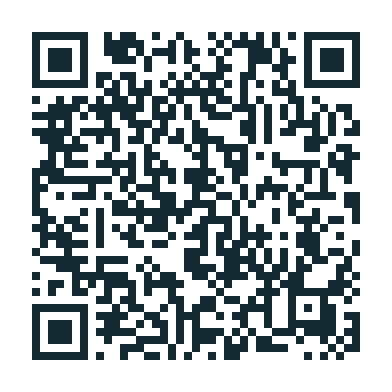
Scan the product’s QR label.

Sample product QR label containing illustrative oak chair information
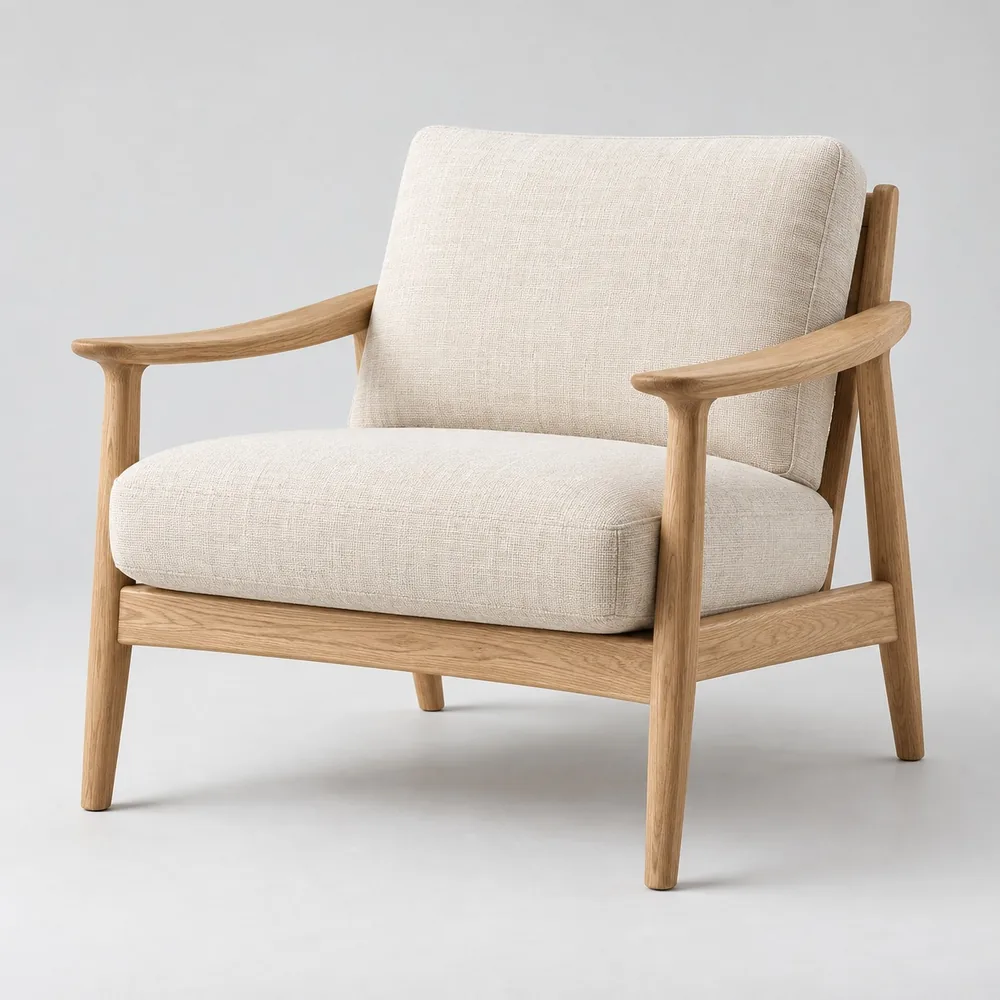
Oak lounge chair
Oak lounge chairGW-F024 · Natural oak

Preview action uses the sample product.

01 / SCAN THE PRODUCTMobile app preview

Illustrative app preview. Choose a screen to explore.

01 / BEFORE THE FAIR

Prepare once.
Walk in ready.

Organize the products you’ll present, prepare their QR labels and have the collection ready on the phone before your buyer meetings.

  • Product images, codes, variants and specifications.
  • QR labels linked to the products you’ll present.
  • Prepared mobile collection and product cost information.
Explore the Product Library
COLLECTION PREPARATIONILLUSTRATIVE EXAMPLE
Oak lounge chair for a sample fair collection
GW-F024 / NATURAL LIVING

Oak lounge chair

Finish
Natural oak
Dimensions
74 × 82 × 78 cm
Packing
1 piece / carton
SAMPLE PRODUCT LABELGW-F024

Oak lounge chair

Scannable sample QR containing illustrative chair information

The sample QR contains illustrative product information. Your live label workflow is reviewed in the demo.

02 / DURING THE VISIT

Scan. Select.
Save the visit.

The salesperson scans a product’s QR label as the buyer walks the showroom or visits the booth. Selected products stay linked to that buyer.

  • Scan the product label and add it to the shortlist.
  • Record the finish, variant and quantity discussed.
  • Capture buyer contact details and meeting requirements.
OFFLINE ON THE PHONEKeep capturing without internet.

Use the prepared collection to capture the buyer, product selection and notes. Reconnect later for synchronization.

Explore Buyer Management
ONE CAPTURED BUYER VISITILLUSTRATIVE EXAMPLE
NH

Northline Home

Alex Bennett · United Kingdom

Showroom visit
Contactalex@northline.example
BUYER’S SHORTLIST
Oak lounge chair selected by the example buyer
Oak lounge chairGW-F024 · Natural oak
24 units
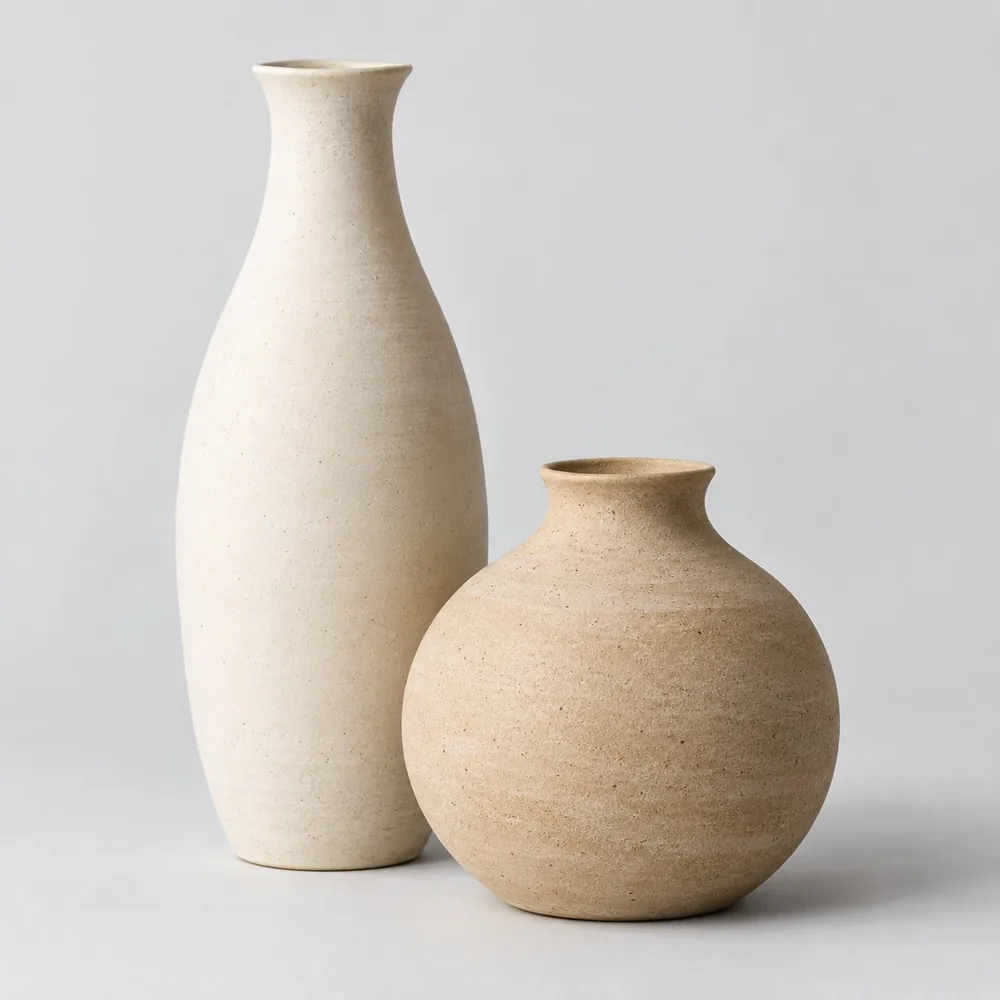
Ceramic vase pair selected by the example buyer
Ceramic vase pairGW-D018 · Ivory / Sand
120 sets
BUYER REQUIREMENT

Spring collection. Natural finishes. Send dimensions, packing details and prices.

Buyer + selected products + quantities + meeting notes.

03 / AFTER RECONNECTING

Their shortlist.
Their selected catalog.

Sync the captured visit when you reconnect. Prepare a catalog from the buyer’s selected products and share that focused collection. Use the same enquiry to prepare a quotation.

  • Prepare the catalog from the captured shortlist.
  • Include product images, variants and specifications.
  • Share the collection and prepare the commercial offer.
Explore Digital Catalogs
PREPARED FOR NORTHLINE HOME / EXAMPLE

Your selected collection.

Oak chair selected by the sample buyerOak lounge chairNatural finish · 74 × 82 × 78 cm
Ceramic pair selected by the sample buyerCeramic vase pairIvory / Sand · Set of 2
Created from the captured visit

Buyer + shortlist + requirements, carried into the response.

BEFORE WE MEET

A few practical
questions.

Bring a small collection with images, product codes, specifications, variants and packing information. A sample cost sheet and a typical buyer request help us walk through the catalog and quotation workflow.

Offline buyer and product capture is part of the trade fair mobile scope. We will confirm current availability, supported devices, offline actions and synchronization behavior for your setup in the demo before agreeing your rollout.

The current page shows how captured buyer and product details support catalog and quotation preparation. Automated follow-up actions, reminders, enquiry ownership and opportunity tracking are in development. We will clarify availability and rollout scope in your demo.

YOUR SHOWROOM. YOUR FAIR. YOUR NEXT OPPORTUNITY.

See one buyer visit.
From scan to catalog.

Let’s connect the buyer meeting with the response that follows.

Book a Mobile App Demo