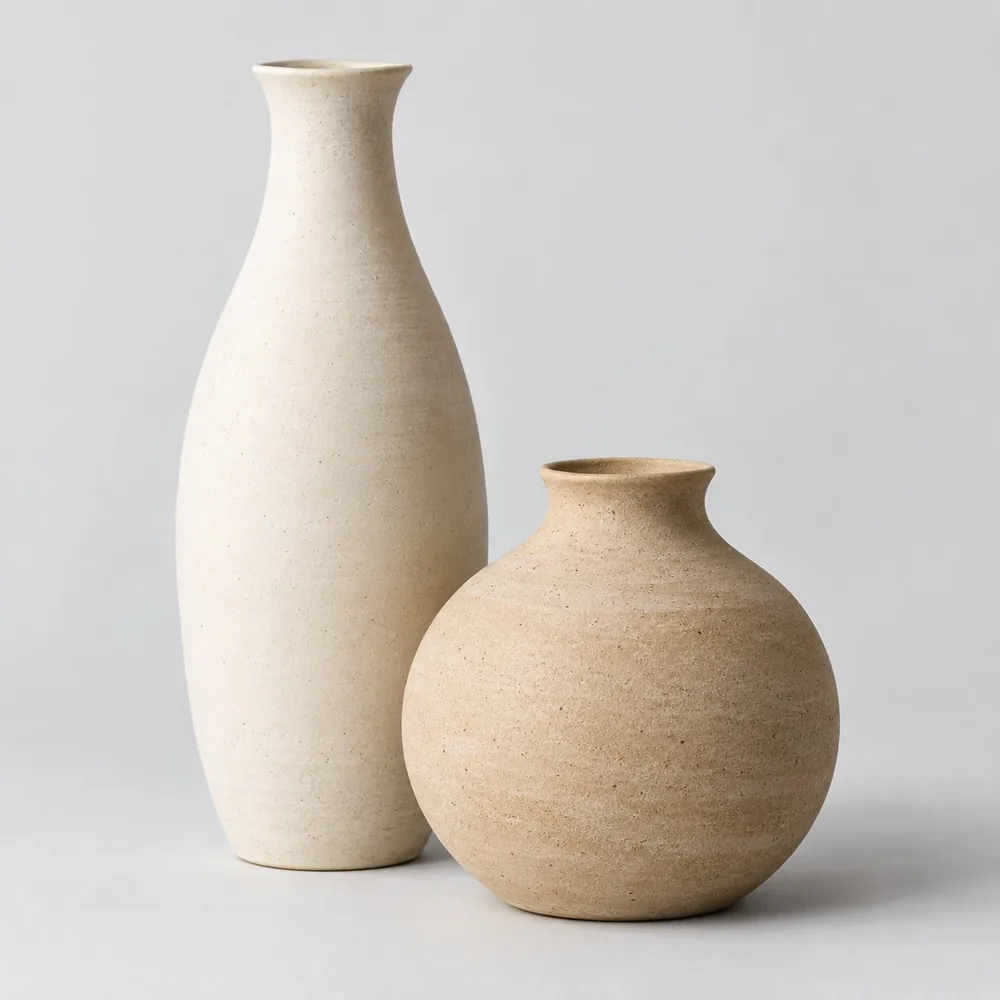
 HOME DÉCOR
Ceramic collection
Images & product details
THE GROWWIZO PLATFORM
Organize your collection. Build a buyer’s selection. Prepare the commercial response.
Growwizo connects the product information, presentations and buyer enquiries your team works with every day—so each conversation starts with the right context.
 ONE CONNECTED WORKSPACE
Images · Specifications · Variants
01 / PRODUCT LIBRARY
Keep the details behind your collection together. Help sales find the right product and answer buyer questions without searching across folders and spreadsheets.
“Show me this collection in a natural finish, with the packing details.”
HOME DÉCORImages & product details
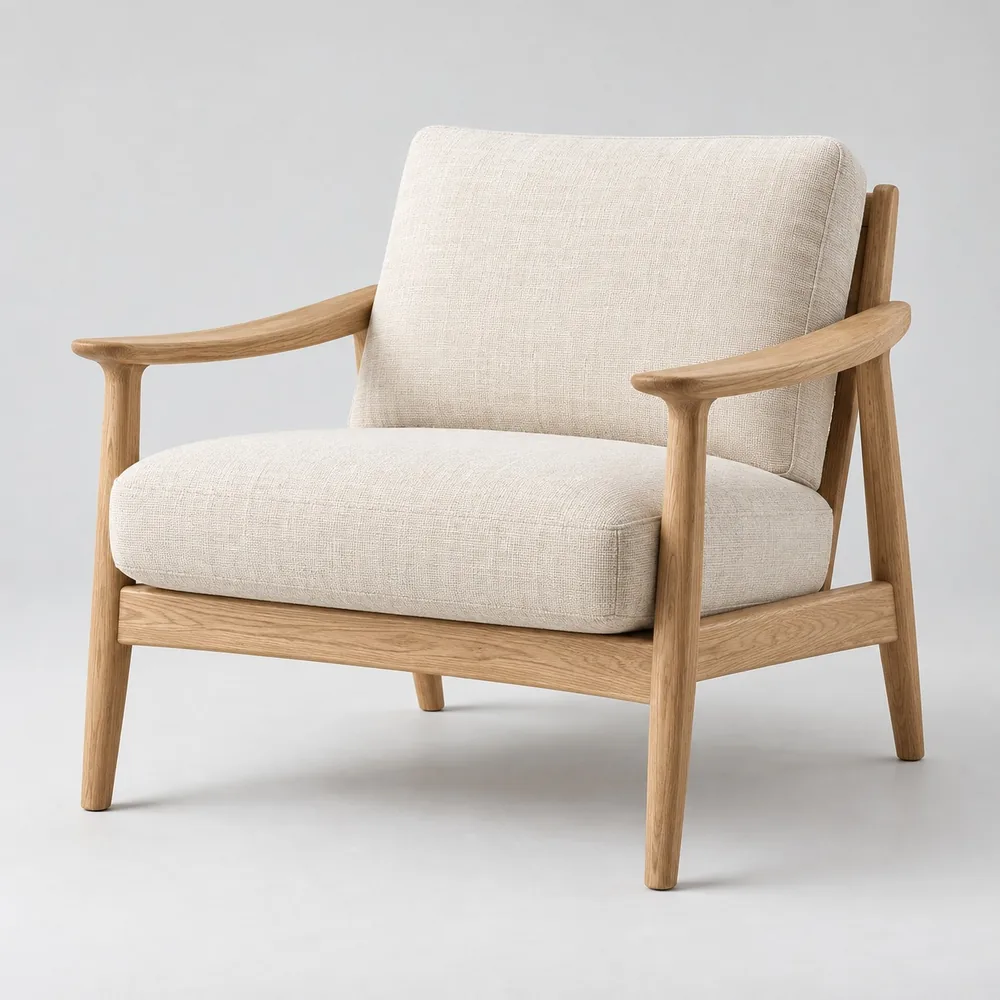 FURNITURE
Materials & finishes
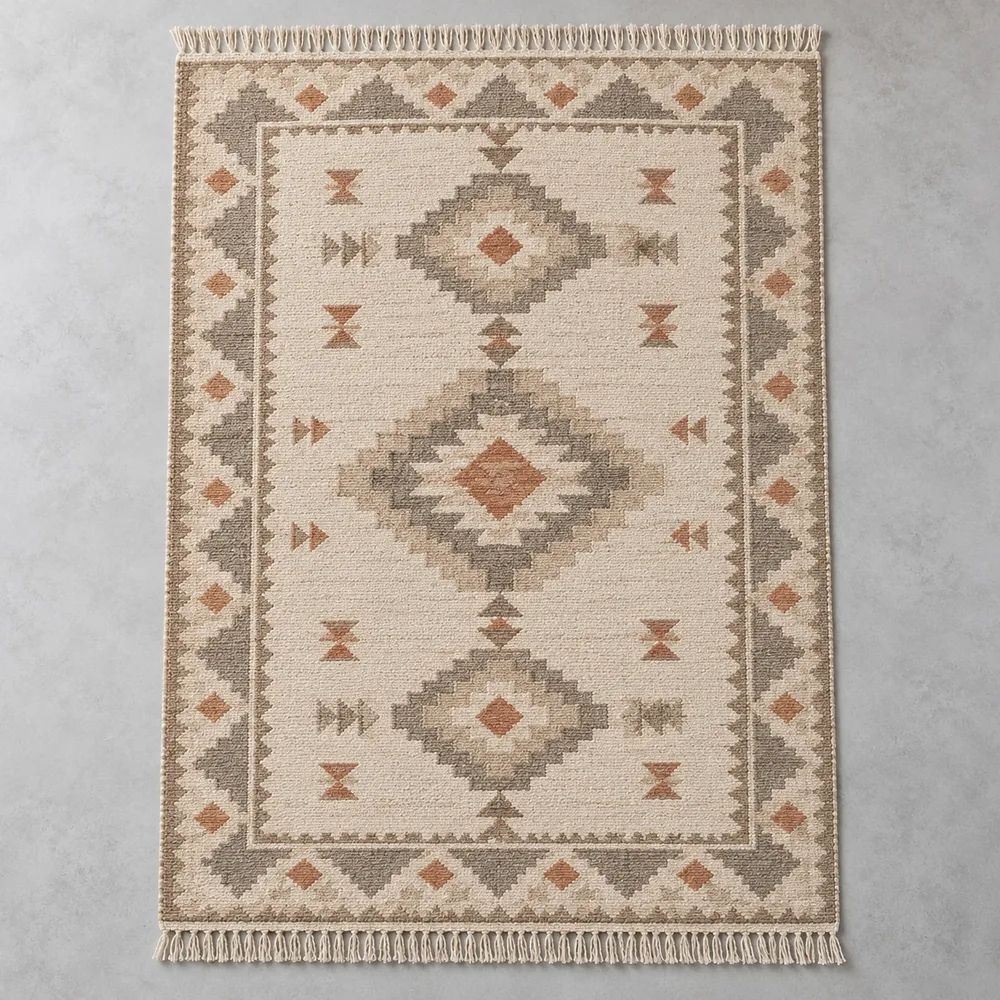 CARPETS & RUGS
Sizes & specifications
| Collection | Category | Product information |
|---|---|---|
| Ceramic collection | Home Décor | Images, finish, packing |
| Living collection | Furniture | Materials, dimensions, variants |
| Texture collection | Carpets & Rugs | Pattern, size, construction |
Specifications and images are ready for the next catalog, quotation or buyer meeting.
Products. Images.
The details behind them.
Illustrative catalog layout
02 / DIGITAL CATALOGS
A buyer rarely needs your entire assortment. Select the products that match their interest and turn that selection into a focused presentation.
“Send me the products we shortlisted—not the entire range.”
03 / COSTING & QUOTATIONS
Start with the cost of each product. Add your markup, then carry the selling price into the buyer’s quotation.
Manufacturing costs or purchase costs, plus the expenses needed to make the product ready for sale.
Interactive example with illustrative costs. Your cost heads and pricing rules are discussed in the demo.
Bring the selected product, quantity, unit price and commercial terms into a clear buyer quotation.
Buyer enquiry: Oak lounge chairs
| Product | Qty | Unit price | Amount |
|---|---|---|---|
| GW-F024 Oak lounge chair | 24 | ₹9,750 | ₹2,34,000 |
Illustrative offer. Change the markup to see how the unit price and subtotal change together.
A traceable commercial response, with the product details and terms your buyer needs.
04 / BUYER MANAGEMENT
Keep the buyer’s company and contact details together with the products they shortlisted, quantities they discussed and notes from the meeting.
“Northline wants 24 natural-oak chairs. Send the selected range and an offer for their spring collection.”
Alex Bennett · Buying Manager · United Kingdom
“A natural-material assortment for our spring range. Please share dimensions, packing details and prices for the shortlisted products.”
Follow-up reminders, enquiry ownership and pipeline tracking are in development.
Company, contact & meeting details
Products, quantities & requirements
Selected catalog & commercial offer
TAKE THE WORKFLOW INTO THE MEETING
Prepare catalogs and QR product labels, use the trade fair mobile workflow, and capture buyer details with the products that caught their attention.
Explore the Trade Fair WorkflowPrepare collections, catalogs & QR labels.
Capture visitors, interest & selected products.
Prepare the next response with buyer context.
05 / SALES FOLLOW-UP
Today, captured buyer details and product selections help your team prepare a relevant response. Our next step is to connect that context with enquiry ownership and follow-up activity.
Discuss your follow-up workflowWe are expanding the workflow around what happens after the enquiry.
Discuss current availability and rollout scope in your demo.
START WITH YOUR REAL WORKFLOW
Show us how your products, specifications and costs are organized today.
Explore how your team selects products, presents them and prepares a quotation.
Agree the capabilities, data preparation and setup that fit your team.
SEE GROWWIZO WITH YOUR PRODUCTS
Let’s explore the workflow that matters to your business.
Book a Platform Demo